
Zero-Commission WhatsApp Ordering & Bookings for Restaurants
A WhatsApp ordering system lets diners browse your menu, order and book a table in the chat they already use. You pay a flat monthly plan, not a commission on every order, and customers pay through your own store checkout.
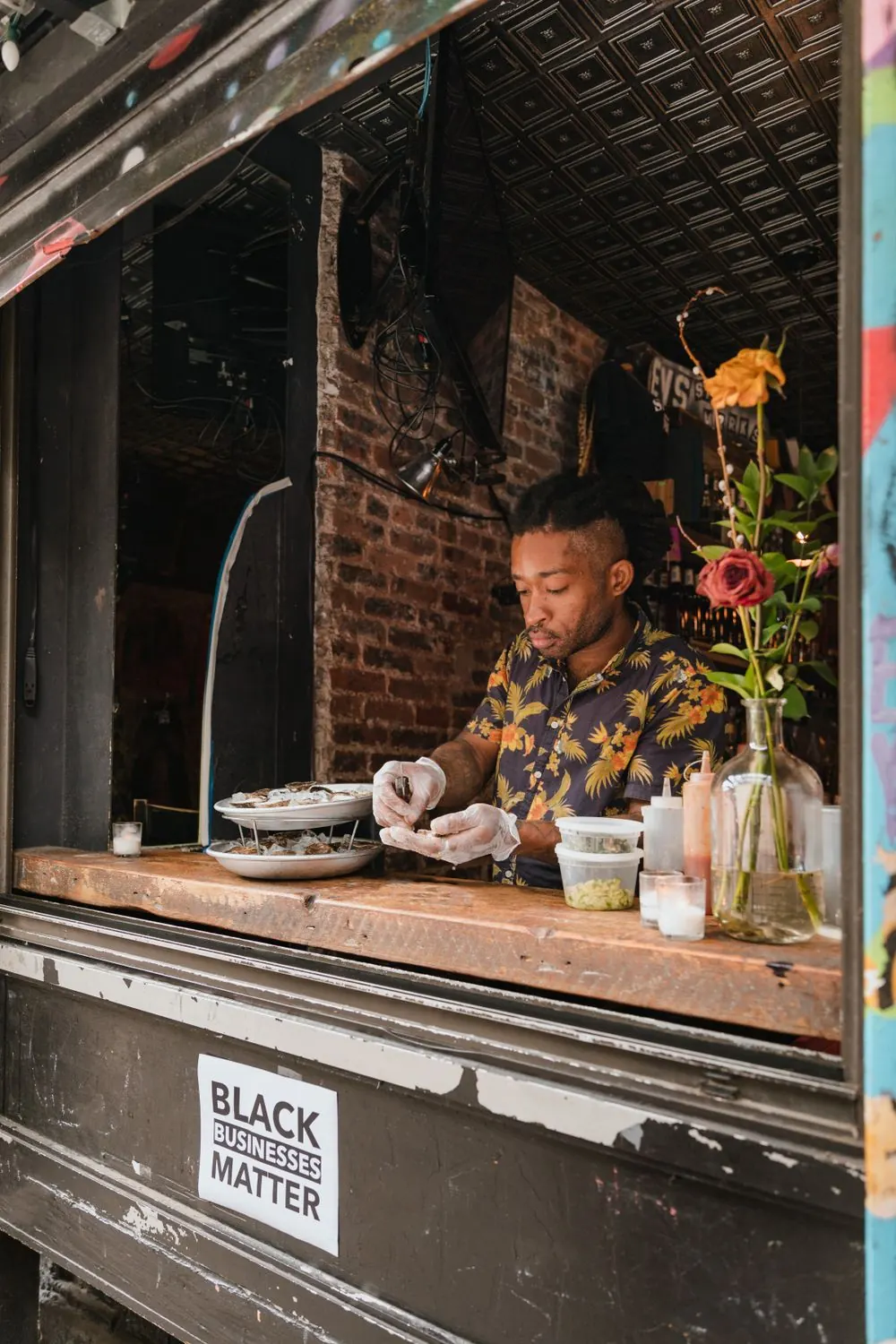
A digital menu catalogue in the chat
Diners browse menu categories, open a dish with its photo and price, choose options and add to cart in a few taps. The menu syncs from your WooCommerce or Shopify store, so a dish out of stock there shows as sold out on WhatsApp.
- Menu categories, photos, prices and options
- Sold-out dishes synced from your store
- Order confirmations sent automatically

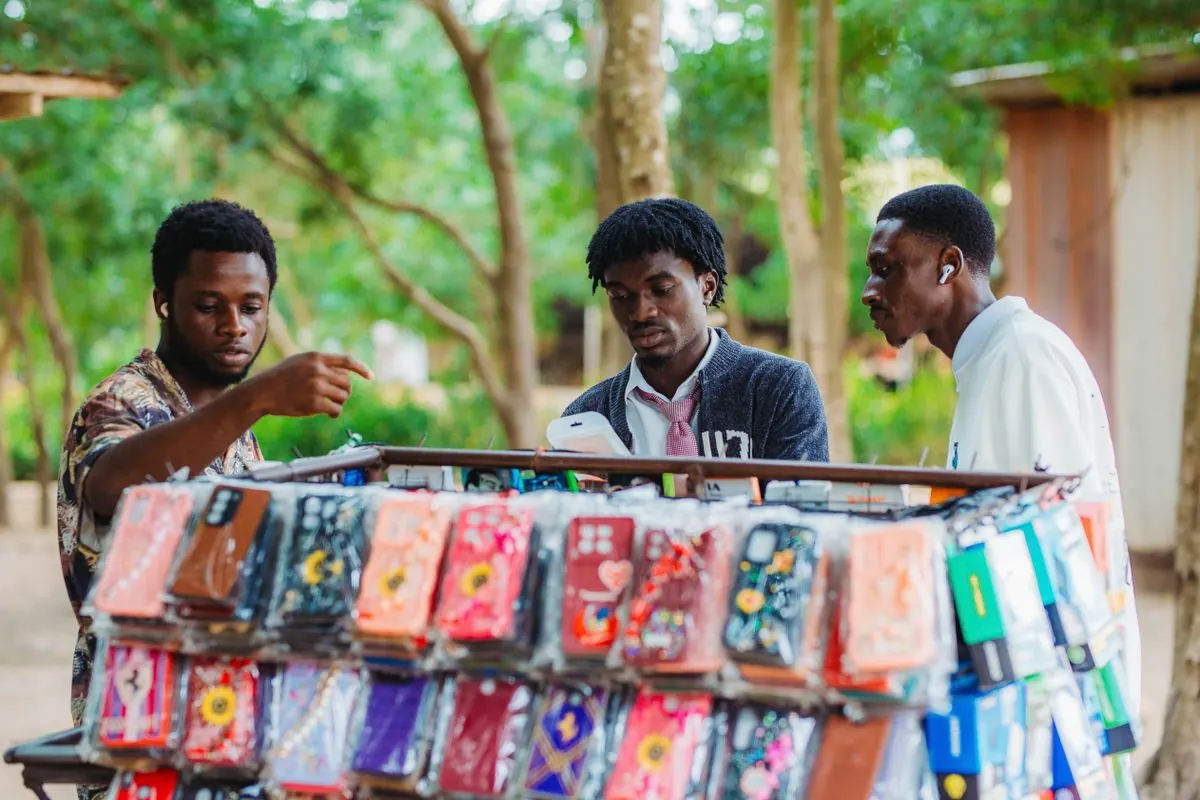
Table reservations and orders on WhatsApp
Take pick-up, delivery and table reservations in the same chat. Guests get an instant confirmation and a reminder before they arrive, with buttons to change or cancel.
- Pick-up and delivery orders
- Table reservations with a party-size question
- Reminder before the reservation
Offers that bring regulars back
Send lunch specials, weekend offers and new-dish launches to customers who opted in, segmented by branch and order history.
- Segments by branch and last order
- Image headers for your dishes
- Schedule offers for quiet days
How a WhatsApp ordering system works for a restaurant
Delivery apps charge restaurants a commission on each order; check your own contract for the rate. Direct ordering on WhatsApp swaps that for a flat Wazy plan plus Meta’s per-message fee, which stays the same whether the order is KES 300 or KES 3,000.
When the cart is ready, Wazy sends the diner a link to your WooCommerce or Shopify checkout with the order filled in. They pay with whatever your store accepts, PayPal and cards included, or choose cash on delivery if you allow it. Wazy never holds the money.
When the order is complete in your store, the diner gets an update with tracking. For a rider dispatch alert from your POS or delivery app, fire a utility template through the REST API, a webhook or Zapier. Each one costs $0.0040 in Kenya and Ghana, about KES 0.52.
Live in three steps
- Step 1
Connect your number
Use the number on your menus and delivery bags.
- Step 2
Sync your menu
Connect WooCommerce or Shopify. Dishes, photos, prices and options come across.
- Step 3
Share your chat link
Print the QR code on tables, menus and packaging.
Common questions
Ask us on WhatsAppDoes Wazy charge a commission on WhatsApp food orders?
No. Wazy is a flat monthly plan from KES 1,500, and Meta charges per delivered template message, never a share of the order value. A KES 3,000 order costs you the same in messaging as a KES 300 one, and the payment goes from the diner to your store, not through Wazy.
Can diners pay online when they order on WhatsApp?
Yes, through your own store’s checkout. Wazy sends a link to your WooCommerce or Shopify checkout with the order filled in, and diners pay with whatever that store accepts, including PayPal and cards. You can also offer cash on delivery and confirm the order in the chat.
Can guests book a table and give a party size on WhatsApp?
Yes. Guests pick a date and time in the chat or on your booking page, and a custom booking field asks how many people are coming. They get an instant confirmation and a reminder before the reservation, with buttons to reschedule or cancel if plans change.
Can customers get a WhatsApp alert when the rider leaves?
Yes. Trigger a utility template from your POS, delivery app or kitchen screen through the Wazy REST API, a webhook or Zapier when the order is dispatched. It costs $0.0040 per message in Kenya and Ghana, about KES 0.52, and $0.0067 in Nigeria.
Can several restaurant branches share one WhatsApp number?
Yes. Tag contacts by branch and assign chats so each kitchen team sees its own orders and bookings. Every Wazy plan covers one WhatsApp number, so a group that wants a separate number for each branch needs one plan per number. Compare limits on the pricing page.
Keep exploring
Sell on WhatsApp: Catalogue and Checkout
Share your catalogue in chat, let customers build a cart and send them a checkout link, then keep them updated until delivery.
Learn moreWhatsApp Appointment Booking
Share a booking link or let customers book in the chat, then send confirmations and reminders automatically.
Learn moreFree WhatsApp Link and QR Generator
Create a wa.me link that opens a chat with your business, with your message already typed. Paste it anywhere.
Learn moreStart the conversation.
Plans from KES 1,500 a month. Send your first messages this week.